
Get started
From mix phx.new to a working app
About ten minutes. You need Elixir 1.18+, a Phoenix 1.8 app and PostgreSQL.
-
1
Get the installer
PhoenixKit installs through Igniter. Its archive is a one-time setup, like
phx_new:Terminal$ mix archive.install hex igniter_new -
2
Install PhoenixKit
In your Phoenix app:
Terminal$ mix igniter.install phoenix_kitOne command does the wiring:
-
adds
{:phoenix_kit, "~> 3.4"}and fetches it - finds your Ecto repo and checks it is PostgreSQL
- generates the migrations
- adds config and a dev mailer
- adds the routes to your router
- offers to run the migrations
-
adds
-
3
Migrate and start
Terminal$ mix ecto.migrate && mix phx.serverRegister at
/phoenix_kit/users/register(the default URL prefix; seturl_prefixto change it). The first account becomes the Owner, with full access to the admin at/phoenix_kit/admin.localhost:4000/phoenix_kit/admin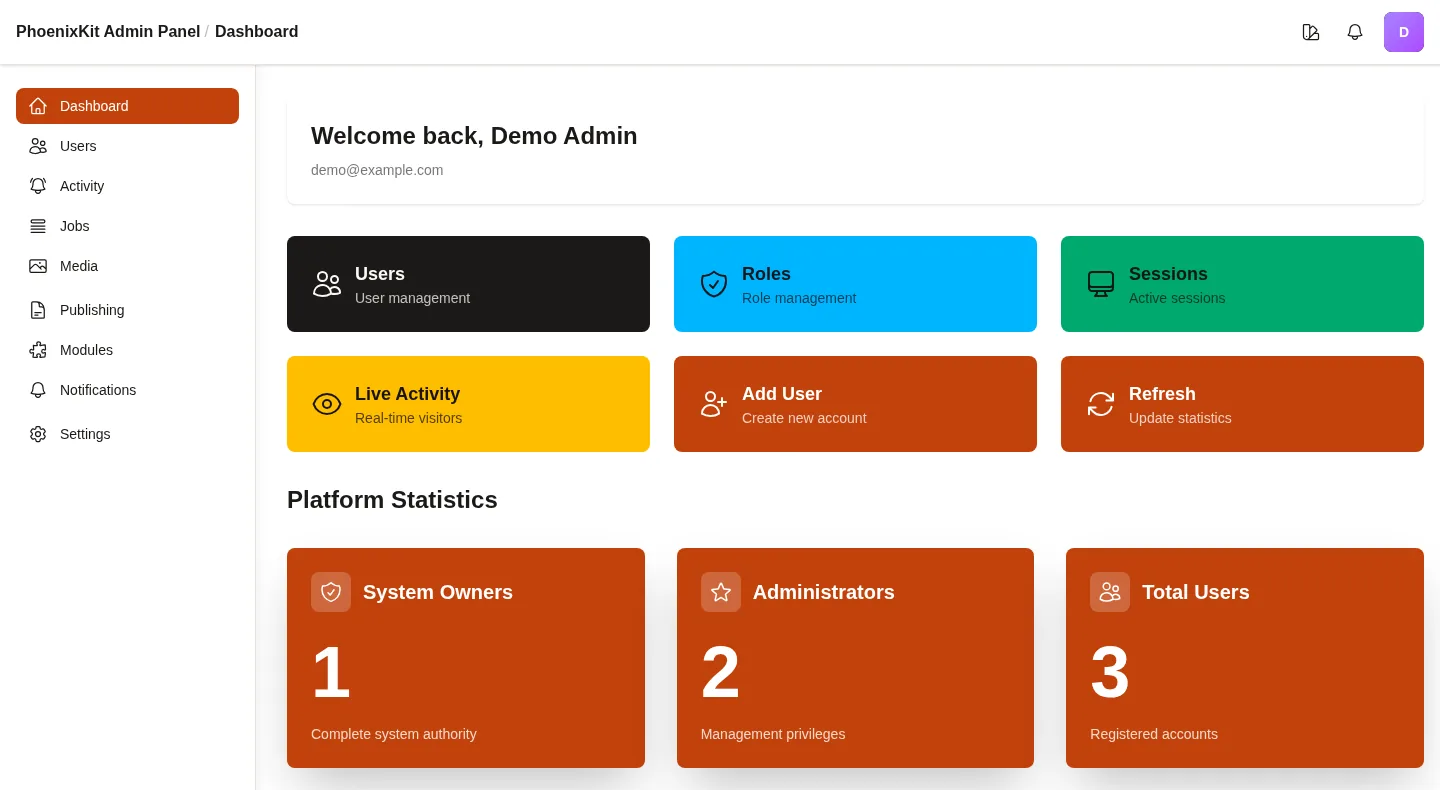
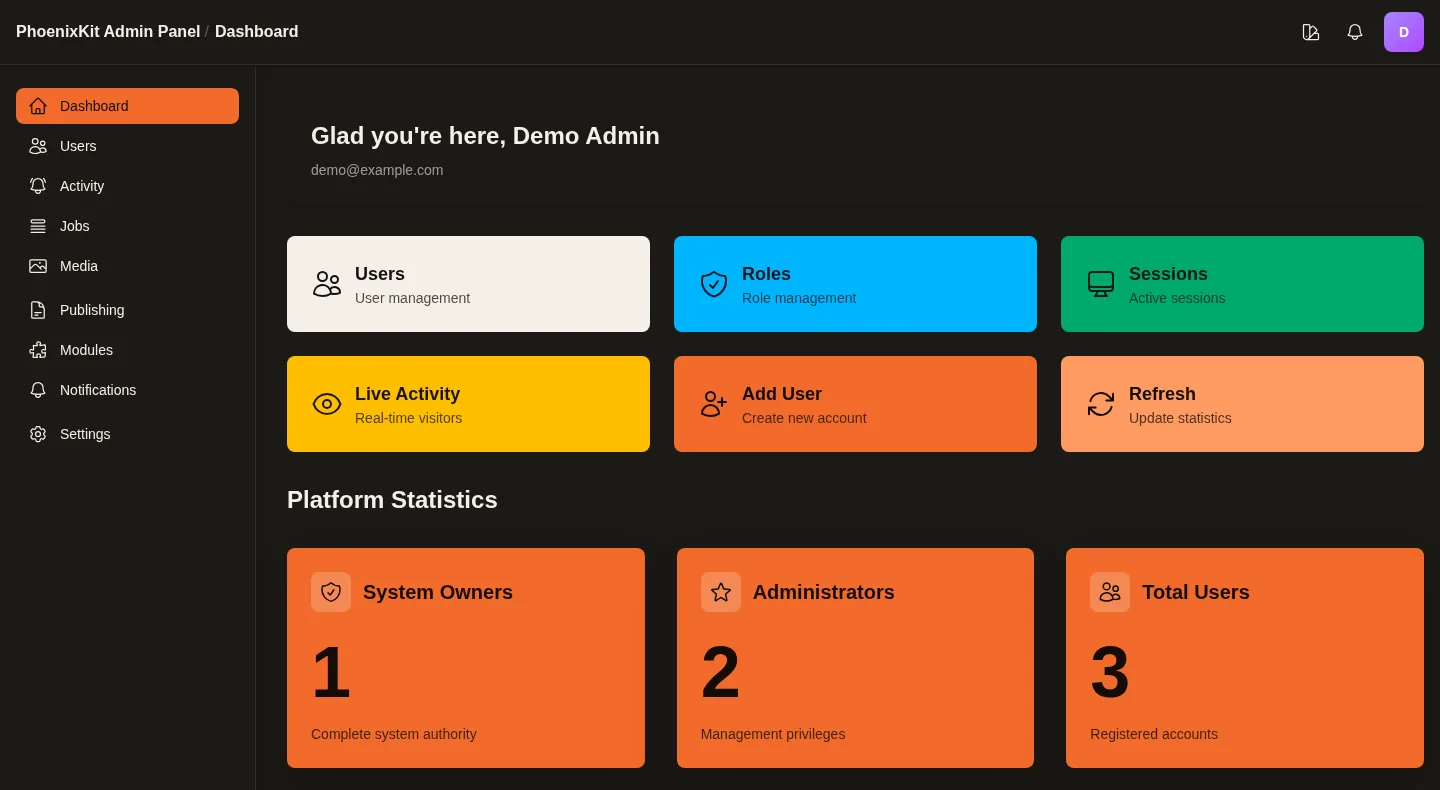
What you land on: the admin dashboard. -
4
Add a module
Modules are separate packages. To add the CRM, put it in
mix.exs:deps{:phoenix_kit_crm, "~> 0.19"}then fetch it and let PhoenixKit run its migrations:
Terminal$ mix deps.get && mix phoenix_kit.updateSwitch it on under Admin → Modules and choose which roles may use it. The same three steps work for every module.
-
5
Keep it current
After bumping versions,
mix phoenix_kit.updatemigrates core and every installed module together;mix phoenix_kit.statusandmix phoenix_kit.doctorreport what is out of date.Coming from 2.x?
3.0 needs the database at V225 first: pin
== 2.65.0, runmix phoenix_kit.update, then move core and all modules to 3.x together. See Upgrading to 3.0.